The Complete SEO Checklist for Doctor Websites
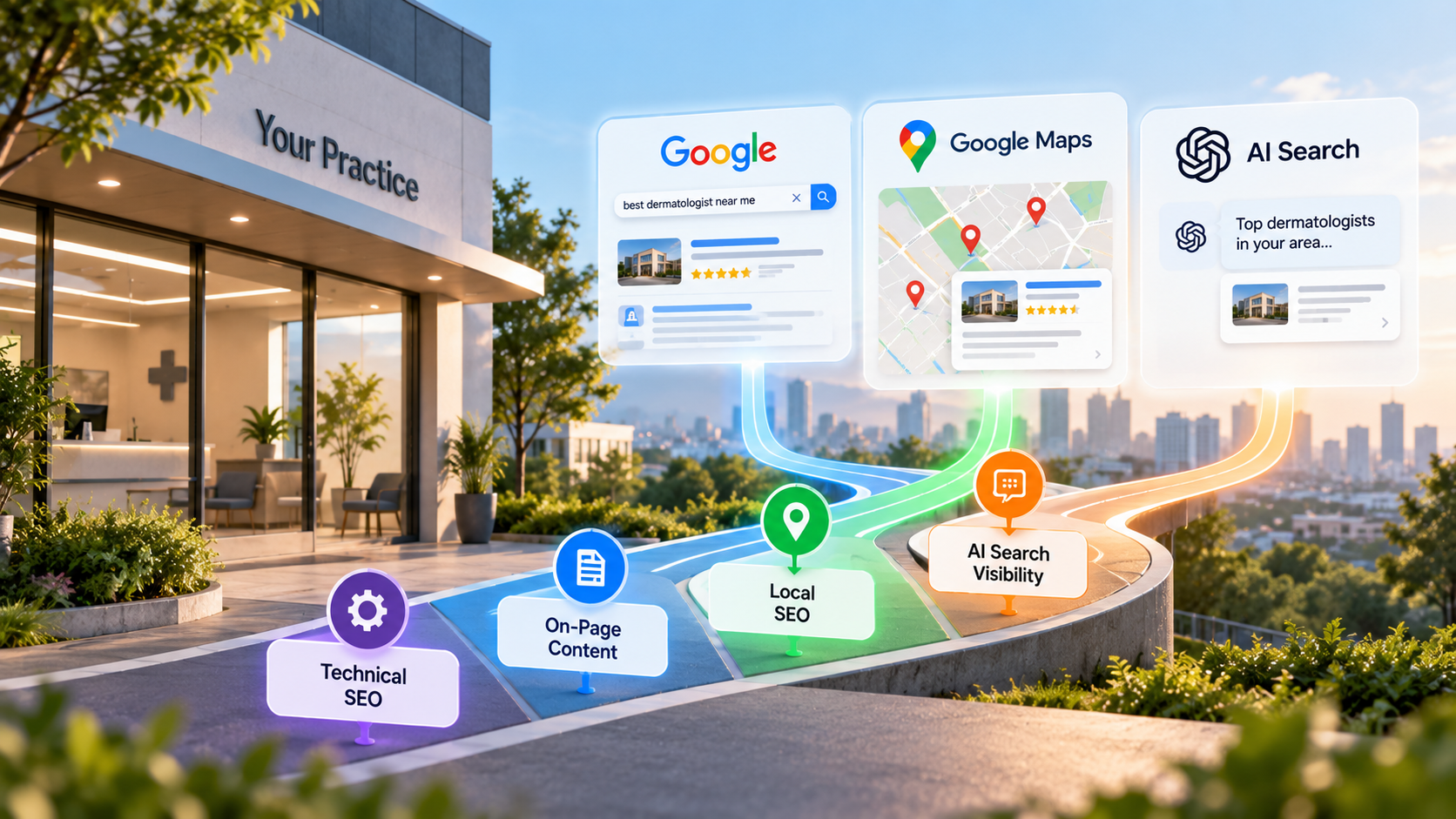
A doctor website needs three things in place to rank: a fast, crawlable technical foundation, on-page content that answers what patients actually search, and internal links that tell Google which pages matter most. This checklist walks through all three, in order, so you can work through it page by page.
This is a tactical, do-it-now companion. For the strategy behind why each item matters, read the full picture of doctor SEO. If you want the local search side covered in depth, including Google Business Profile and citations, use the local-specific version of this checklist.
Work through each section below on your own site. Most items take under an hour. A few, like site speed fixes, may need a developer.
Technical Basics
Technical problems block everything else. If Google cannot crawl or load your site quickly, your content quality will not matter. Most patients start their search on a phone, often while symptomatic or comparing several practices at once, so a slow or broken mobile page loses that visitor before your content gets read.
- Site loads on mobile without pinching or zooming. Test it on your own phone, not just a desktop browser.
- HTTPS is active sitewide, with no mixed-content warnings on any page, including images and forms.
- Core Web Vitals pass in Google Search Console. Check the report under Experience. Google Search Central publishes the current thresholds for loading, interactivity, and visual stability.
- Images are compressed and sized correctly before upload, not resized in the browser with code.
- No broken links or 404 pages on primary navigation, service pages, or provider bios. Run a crawl with a tool like Screaming Frog or Ahrefs.
- XML sitemap exists and is submitted in Google Search Console.
- Robots.txt does not block pages you want indexed. Check it directly at yoursite.com/robots.txt.
- Canonical tags are set correctly, especially if you have similar pages for multiple locations or providers.
- Site uses a single consistent URL structure, either with or without a trailing slash, not both.
- Old URLs redirect properly with 301s if you have changed page names or migrated platforms.
- Forms and booking widgets load without errors on mobile. A broken booking form at the end of a fast, well-optimized page still costs you the appointment.
- Third-party scripts, like chat widgets or ad pixels, are audited periodically. Practices often add tools over the years and never remove the ones that are no longer used, which slows every page down.
On-Page Content
Each page needs to answer one clear question a patient is asking. Thin, duplicate, or vague pages rarely rank against competitors with specific content. A general "Our Services" page that lists ten procedures in a paragraph cannot compete with a competitor who has written a full page for each one.
- Every service has its own dedicated page, not a single paragraph buried on a general services page. A page for knee replacement is different from a page for hip replacement.
- Title tags are unique on every page and include the service and city, for example "Knee Replacement Surgeon in Austin, TX."
- One H1 per page, matching the page's main topic, not the practice name.
- H2 and H3 headers break up content logically, covering subtopics like symptoms, procedure, recovery, and insurance.
- Content answers the questions patients actually type, not just marketing language about the practice.
- Provider bio pages list credentials, board certifications, and specialties in plain text, not only inside a PDF or image.
- Each page includes a clear next step, such as booking, calling, or requesting a consultation.
- No duplicate content across location pages. Each location page needs unique details about that office, not a copy-pasted template.
- Content is reviewed and updated periodically, especially pages referencing insurance, pricing, or procedures that change.
- Alt text on images describes the image accurately, including for infographics and procedure diagrams.
- FAQ sections address real patient questions, pulled from what your front desk actually hears on the phone, not generic questions written for a template.
- Content is written for the patient reading it, not written to satisfy a keyword count. Pages stuffed with repeated phrases read as unnatural and can hurt trust as much as ranking.
Local Signals
Local ranking factors deserve their own full workflow rather than a quick pass here. Use the local-specific version of this checklist to work through Google Business Profile, citations, and review generation in detail.
At minimum, confirm these three before moving on:
- Google Business Profile is claimed, verified, and matches your site's name, address, and phone number exactly.
- Each physical location has its own page on your website, if you operate more than one office.
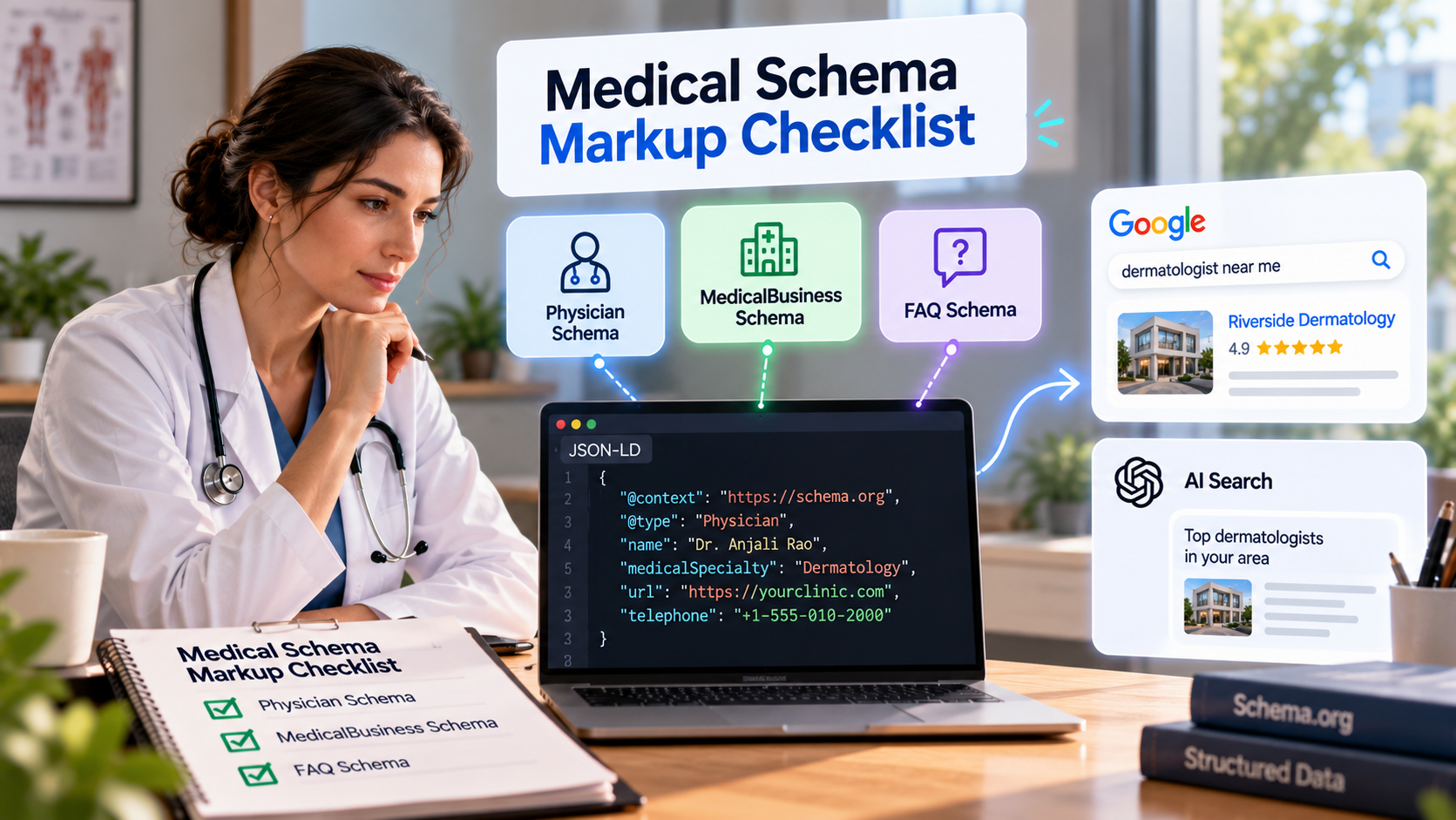
- Structured data for your practice and providers is implemented correctly. Use the schema-specific checklist to verify markup for physicians, medical organizations, and FAQs.
Internal Linking
Internal links guide both patients and search engines toward your most important pages. Most doctor sites under-link their own content.
- Homepage links directly to top service pages, not buried three clicks deep in a dropdown.
- Service pages link to related services a patient might also need, for example a spine page linking to a pain management page.
- Blog posts link back to the relevant service page, using descriptive anchor text rather than "click here."
- Provider bio pages link to the services that provider performs, and service pages link back to the providers who perform them.
- No orphan pages. Every page on the site should be reachable through at least one internal link from another page.
- Anchor text varies naturally and describes the destination page instead of repeating the exact keyword every time.
Meta Titles and Descriptions
These are the first thing a patient reads in search results. They influence click-through rate even when they do not directly affect ranking.
- Every page has a unique title tag, roughly 50 to 60 characters, with the primary keyword near the front.
- Every page has a unique meta description, roughly 140 to 160 characters, written to earn the click, not stuffed with keywords.
- City and service are both present in title tags for location-specific service pages.
- No default or auto-generated titles left over from a website template or CMS install.
- Descriptions include a reason to click, such as same-day appointments, accepted insurance, or years of experience.
What to Fix First If You Can Only Do Three Things
If time or budget is limited, prioritize in this order.
- Fix Core Web Vitals and mobile load speed. A slow or broken mobile experience undermines every other fix on this list, since most patients search on their phones first.
- Build or rewrite dedicated service pages with unique titles. This is the single biggest content gap on most doctor sites and the fastest way to start ranking for specific procedures.
- Fix your internal linking, starting with the homepage and top service pages. This spreads authority to the pages that actually generate appointments, instead of leaving it concentrated on the homepage alone.
Everything else on this checklist compounds once these three are in place. A fast site with strong service pages and clear internal links gives every later fix, from meta descriptions to schema markup, something solid to build on. Working in the wrong order, such as polishing meta descriptions on a site that fails Core Web Vitals, wastes effort that will not show up in rankings.
Conclusion
Doctor website SEO is not one large project. It is a series of specific, checkable fixes across technical setup, content, and internal structure. Work through this list in order, starting with the three priority items if time is limited, and revisit it whenever you add a new provider, service, or location.
Run This Checklist Automatically
Going through every item manually takes time, and it is easy to miss something on a large site. The Doc Mirror lets you run this checklist against your own site automatically, flagging technical issues, content gaps, and missing schema in minutes.
By the The Doc Mirror team