Medical Schema Markup Checklist: FAQ, Physician, and AI-Readable Structured Data
Meta title: Medical Schema Markup Checklist for 2026 Meta description: A practical checklist for Physician, MedicalBusiness, and FAQPage schema, including what AI assistants can actually read from structured data. URL slug: medical-schema-markup-checklist
This checklist covers the exact schema markup a doctor's website needs, with code you can copy and steps to test it. It is a companion to our guide on why schema matters in the first place, so this page skips the theory and goes straight to implementation.
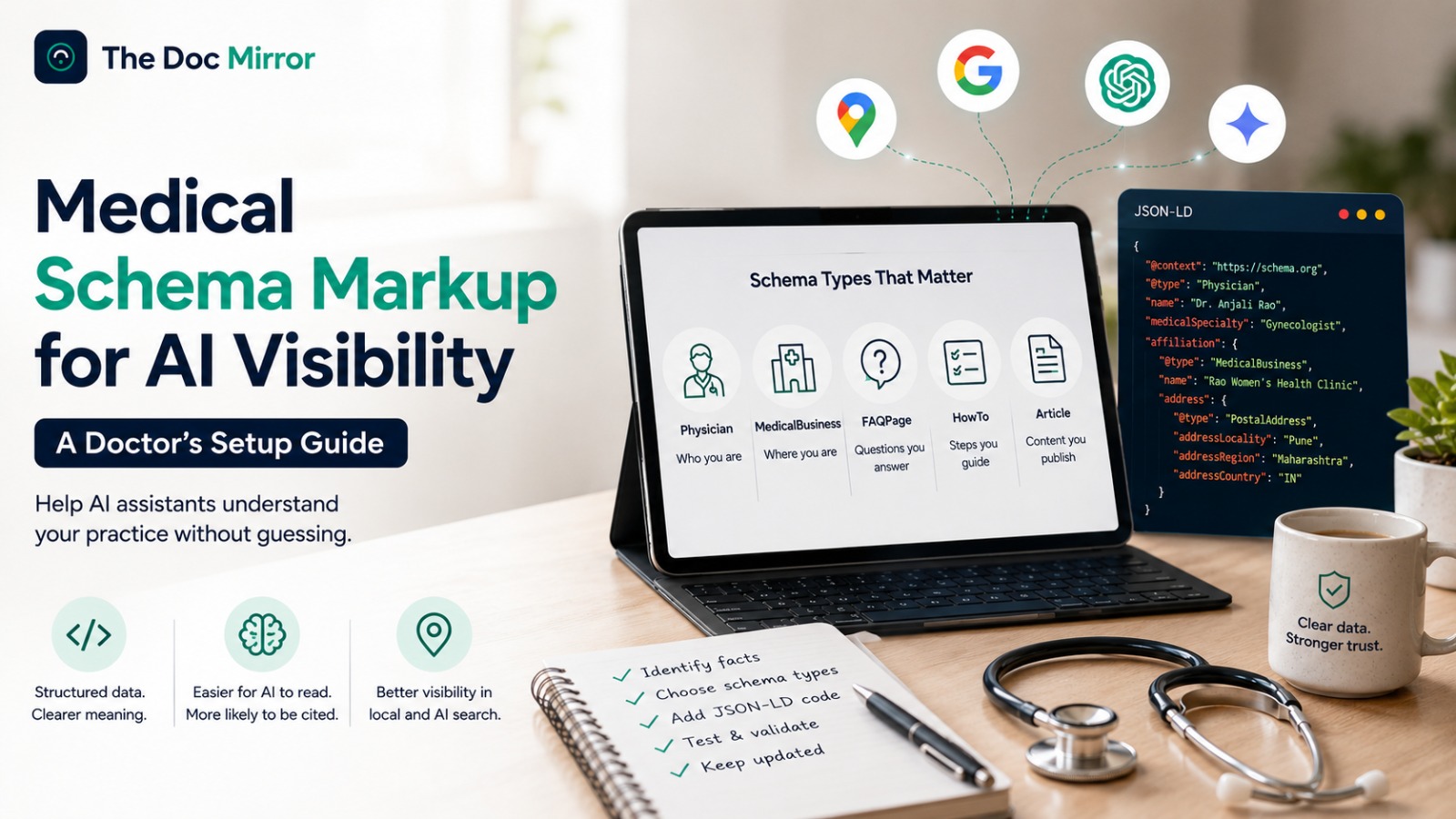
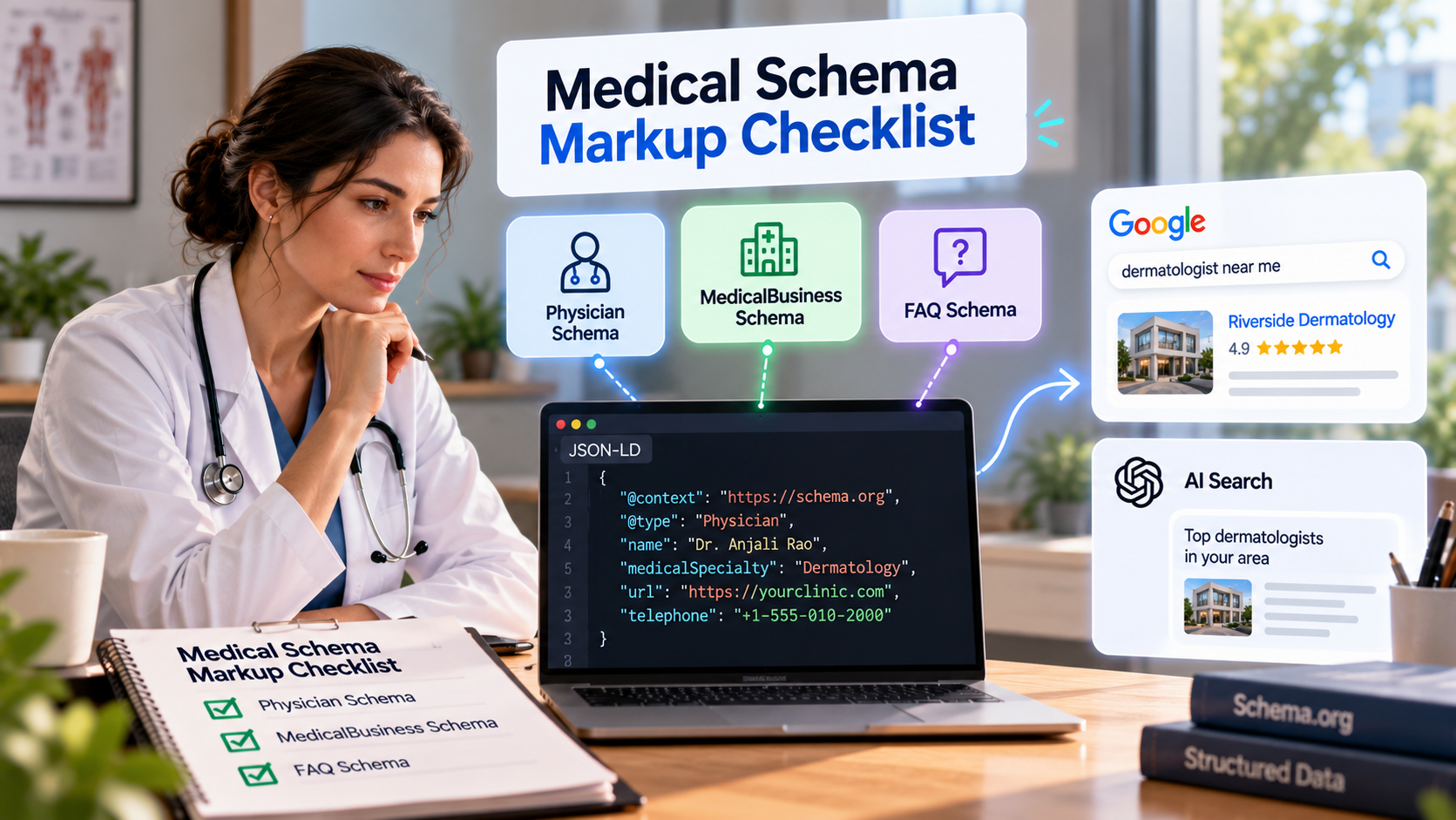
You will find three schema types worth prioritizing: Physician, MedicalBusiness, and FAQPage. Each one has a real code example below, not just a description. You will also find the validators to run before you trust any of it, and the mistakes that show up most often on doctor websites.
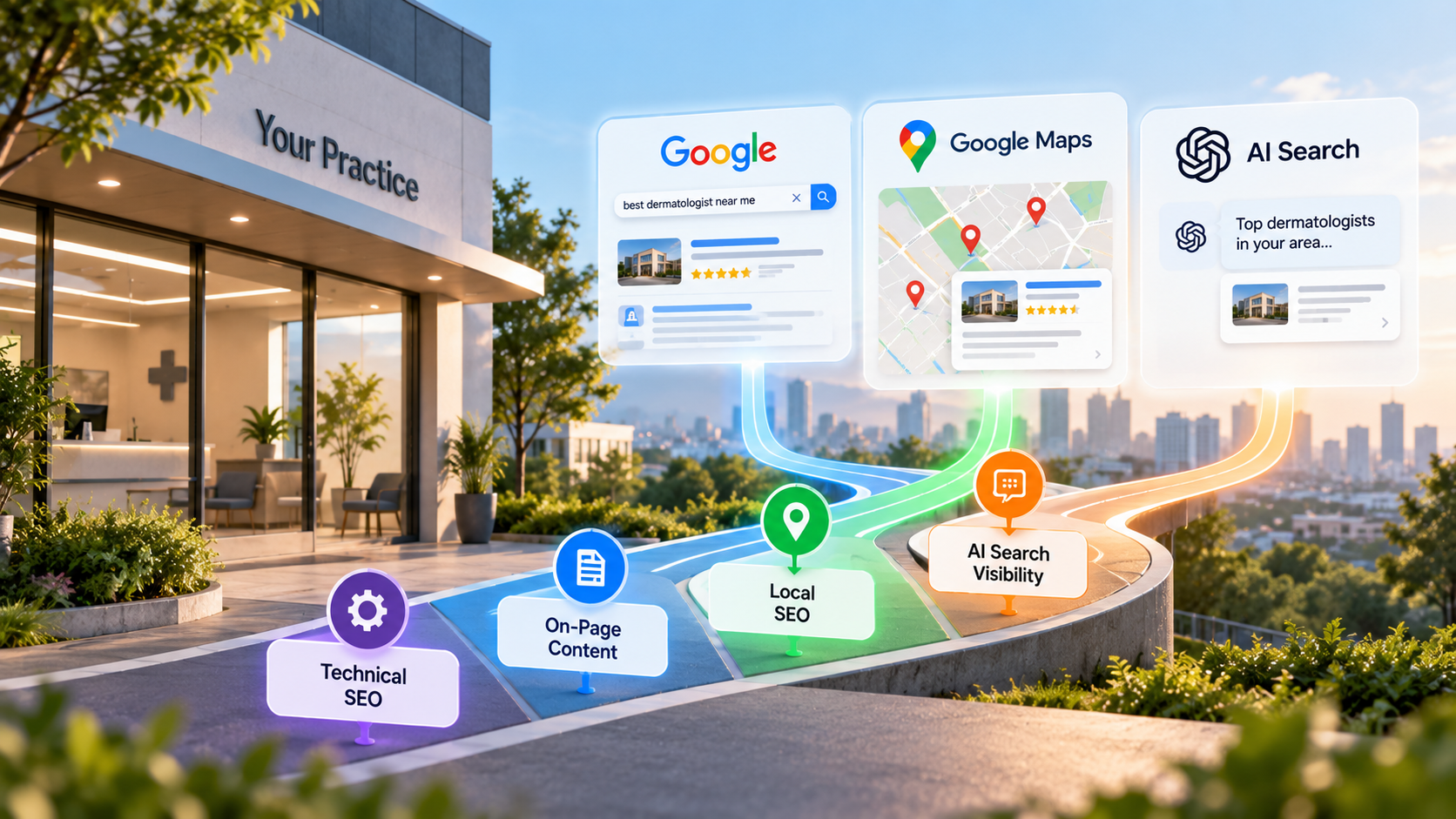
Schema markup is one piece of a larger picture. It sits alongside crawlability and content quality as part of SEO for doctors overall. Treat this checklist as the setup phase. Once the code is live and validated, the ongoing work is keeping it accurate as your practice changes.
Physician and MedicalBusiness schema: the basics
Every doctor website needs two schema types at minimum: Physician and MedicalBusiness (or its child type, MedicalClinic). Physician describes you as a clinician. MedicalBusiness describes your practice as a physical, bookable location.
Here is a working Physician example. Replace every value with your own facts before publishing.
{
  "@context": "https://schema.org",
  "@type": "Physician",
  "name": "Dr. Ravi Kumar",
  "medicalSpecialty": "Cardiovascular Disease",
  "url": "https://example-clinic.com",
  "image": "https://example-clinic.com/images/dr-ravi-kumar.jpg",
  "telephone": "+1-555-010-2000",
  "address": {
    "@type": "PostalAddress",
    "streetAddress": "400 Heart Center Drive",
    "addressLocality": "Denver",
    "addressRegion": "CO",
    "postalCode": "80202",
    "addressCountry": "US"
  }
}
Here is a working MedicalClinic example for the same practice.
{
  "@context": "https://schema.org",
  "@type": "MedicalClinic",
  "name": "Denver Heart Clinic",
  "medicalSpecialty": "Cardiovascular",
  "telephone": "+1-555-010-2000",
  "address": {
    "@type": "PostalAddress",
    "streetAddress": "400 Heart Center Drive",
    "addressLocality": "Denver",
    "addressRegion": "CO",
    "postalCode": "80202",
    "addressCountry": "US"
  },
  "openingHoursSpecification": [
    {
      "@type": "OpeningHoursSpecification",
      "dayOfWeek": ["Monday", "Tuesday", "Wednesday", "Thursday", "Friday"],
      "opens": "09:00",
      "closes": "17:00"
    }
  ]
}
Both blocks go inside a tag in the page's or ``. They do not change how the page looks to a patient. Confirm every field against schema.org's own definitions for Physician and MedicalBusiness, since property names are case-sensitive and unofficial fields get ignored.
FAQPage schema and its current status
FAQPage schema marks up a list of real questions and answers already visible on the page. The mainEntity array holds each question, and each question holds one acceptedAnswer.
{
  "@context": "https://schema.org",
  "@type": "FAQPage",
  "mainEntity": [
    {
      "@type": "Question",
      "name": "Do I need a referral to see a cardiologist?",
      "acceptedAnswer": {
        "@type": "Answer",
        "text": "In most cases no, though some insurance plans require one. Call our office and we will confirm what your plan needs before your scheduled visit."
      }
    },
    {
      "@type": "Question",
      "name": "What should I bring to my first cardiology appointment?",
      "acceptedAnswer": {
        "@type": "Answer",
        "text": "Bring a list of current medications, prior test results if you have them, your insurance card, and a photo ID."
      }
    }
  ]
}
Google's rules for which sites qualify for FAQ rich results in search have changed more than once. Do not assume your FAQPage markup will produce a visible rich result in Google search, and verify current eligibility directly on Google Search Central before you plan around it.
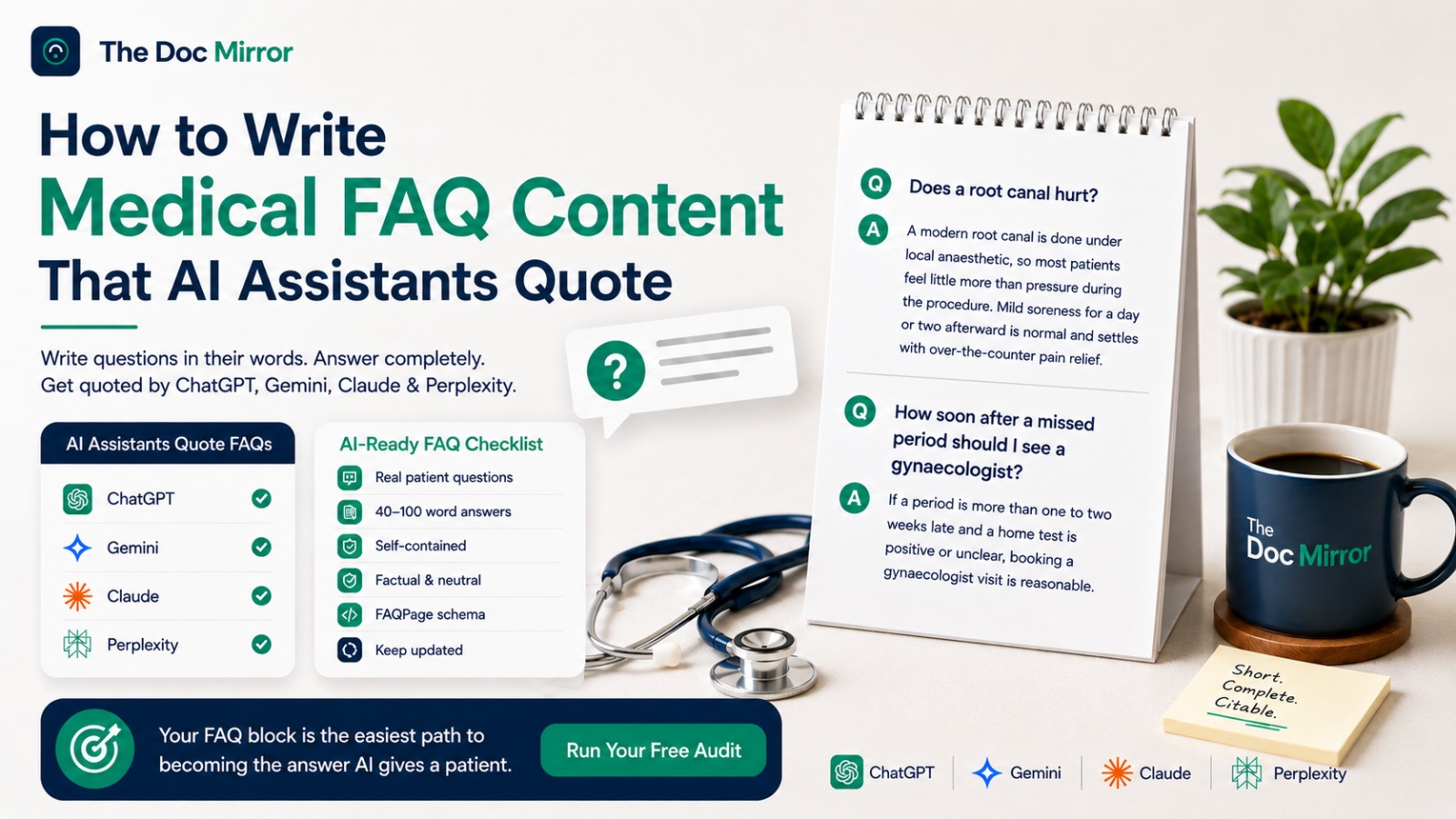
What does not change is the value to AI assistants. Regardless of whether Google shows a rich result, FAQPage schema tells any system reading your page, including ChatGPT, Gemini, Claude, and Perplexity, that a block of text is a genuine question paired with a genuine answer. That structure makes it easier to lift and quote, which is exactly the kind of FAQ content AI assistants can quote directly in a response.
What "AI-readable" beyond basic SEO schema actually means
Standard SEO schema was built with one reader in mind: a search engine deciding whether to show a rich result. AI assistants read the same code but use it differently, and three things matter more for them than for classic SEO.
First, the schema and the visible page text must say the same thing. An AI assistant that reads conflicting facts in the markup versus the paragraph above it will often default to the more cautious answer, which usually means leaving you out.
Second, the page has to be reachable by AI crawlers such as GPTBot, ClaudeBot, and PerplexityBot before any of this matters. Schema on a page those crawlers cannot fetch is invisible to them, no matter how clean the code is.
Third, add a sameAs array to your Physician or MedicalBusiness schema, linking to your verified profiles on Healthgrades, Practo, Google Business Profile, or your hospital's staff directory. This helps an AI assistant confirm you are the same entity across sources, which is part of how it resolves who you actually are before deciding whether to name you.
How to validate your schema
Run every page through these checks before you consider the setup finished.
- Google's Rich Results Test. Paste your page URL or raw code. It confirms Google can parse your markup and lists every error by field.
- Schema.org's Structured Data validator. This checks your JSON-LD against the raw vocabulary, catching property names or nesting the Rich Results Test does not flag.
- View page source. Search for
application/ld+jsonin your page's source code to confirm the script tag actually renders and is not stripped by a caching or JavaScript issue. - Duplicate check. Search the source for a second or third schema block. Some SEO plugins add their own Physician or Organization schema on top of a manually added one, and conflicting duplicates can confuse both Google and AI crawlers.
- A real-question spot check. Ask ChatGPT, Gemini, Claude, and Perplexity a question a patient would type, such as "cardiologist in Denver taking new patients," and see whether your practice is named accurately.
Revalidate every time you edit the page, change your hours or address, or redesign the site, since a template change can silently strip existing markup.
What most doctor sites get wrong
The same handful of errors show up across almost every doctor website we audit.
Duplicate schema is the most common. A WordPress SEO plugin auto-generates Physician or Organization schema, and a developer adds a second manual block, and now the page ships two conflicting versions of the same facts.
Invisible FAQ content is close behind. Marking up questions and answers that are not actually shown on the page violates the schema.org and Google guidelines, and it can trigger a manual penalty in search.
Mismatched facts across sources is a quieter problem. The schema says one clinic name, the Google Business Profile says another, and a directory listing says a third. Schema cannot resolve a contradiction it did not create, so fix the underlying facts first.
Stale schema is the last one. A practice that moves offices or changes hours and never updates the JSON-LD is stating something false with full machine confidence, which is worse than having no schema at all.
The full checklist
Use this list as a working document. Check each item off as you complete it.
- Confirm your exact clinic name, address, phone, hours, and specialty match across your website, Google Business Profile, and every directory listing.
- Add Physician schema to your homepage or about page with your name, specialty, and qualifications.
- Add MedicalBusiness or MedicalClinic schema with your address, phone, and opening hours.
- Add a
sameAsarray linking to your verified profiles on directories and your hospital's staff page, if applicable. - Add FAQPage schema only to a page where the questions and answers are visibly present in the page text.
- Confirm there is only one schema block per type on each page, with no duplicates from a plugin and a manual edit.
- Run every page through Google's Rich Results Test and fix all flagged errors.
- Run every page through the Schema.org validator and fix all flagged errors.
- View page source to confirm the JSON-LD script tag actually renders.
- Confirm the page is reachable by AI crawlers, not just by Google.
- Ask ChatGPT, Gemini, Claude, and Perplexity a real patient-style question and note how you appear.
- Set a recurring reminder to revalidate schema after any address, hours, or specialty change.
- Set a recurring reminder to revalidate schema after any website redesign.
Put this checklist to work
Code that validates cleanly still depends on the rest of your visibility being healthy: your identity across directories, your crawlability to AI assistants, and the accuracy of the facts you are labeling.
The Doc Mirror audits your practice across Google, ChatGPT, Gemini, Claude, Perplexity, and 6 directories, and shows exactly which structured data gaps to close first. Check your current structured data and see how it compares to what AI assistants can actually read.
Run your free audit at thedocmirror.com
By the The Doc Mirror team