Unverified Google Business Profile: What Patients See and How Long the Fix Takes
An unverified Google Business Profile is one of three distinct states clinics run into, and mixing them up wastes time. There is never-verified, where a profile was created or claimed but the verification step was never finished. There is rejected-verification, where a request was submitted and Google turned it down. And there is suspended-after-verification, where a profile was live and working, then got taken down later for a policy issue. This article covers the first two. If your listing was verified and working before it disappeared, that is a suspended profile, which is different, and the fix is not the same.
If you are not sure which one applies to your clinic, check the status inside your Google Business Profile dashboard before doing anything else. The label there will say "Unverified" or show a banner asking you to complete verification. That single detail changes what you need to do next, so do not skip it.
What "Unverified" Actually Means and Looks Like to Patients
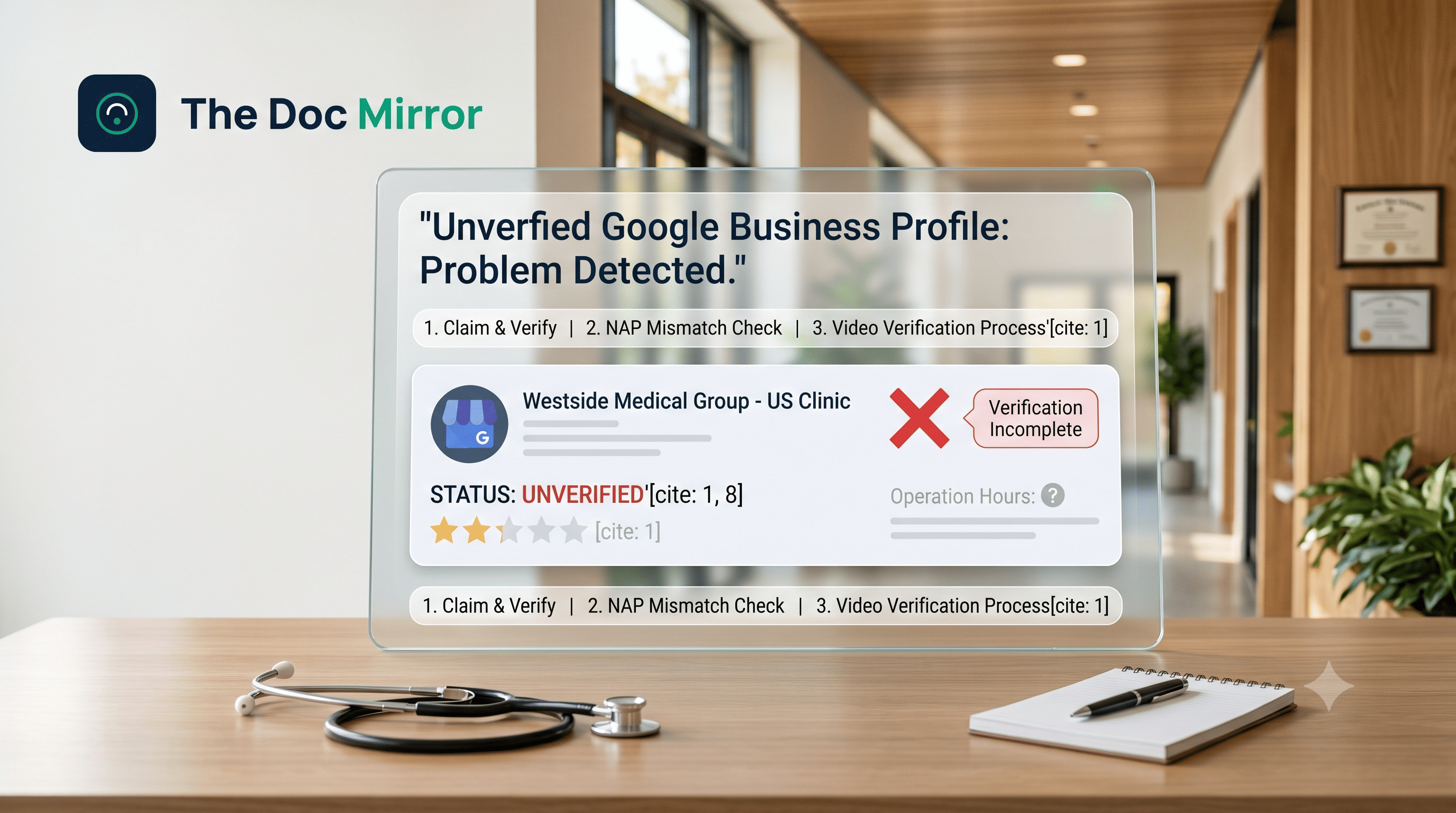
An unverified profile is one Google has not confirmed belongs to your clinic. It might still show up in Google Maps and in standard search results, but with limits. Patients often see incomplete information: no confirmed hours, no way to see if reviews are legitimate, and sometimes a visible note that the business is unclaimed or unverified.
For a clinic, this matters more than it might for other businesses. A patient searching for a doctor near them is often deciding within minutes whether to call. An unverified listing looks less trustworthy, and it may not appear in the local map pack at all, since Google generally reserves that placement for verified businesses. You lose visibility exactly where 82% of patients research their doctor online before booking.
Unverified is not the same as invisible. Your practice name, address, and phone number can still surface in search. What is missing is the credibility signal that verification provides, and the full set of features, like responding to reviews or posting updates, that verified profiles get.
Common Causes of an Unverified Profile
Most unverified profiles fall into a handful of patterns.
- The profile was created but verification was never finished. Someone on staff claimed the listing, started the flow, and never completed it, often during early setup or a website redesign.
- The verification request was submitted and rejected. Google may reject a request if business information does not match public records, the address looks like a residential space without clear signage, or the requesting account does not look authorized to manage the business.
- Multiple people tried to claim the same listing. When more than one staff member or a former employee attempts to verify the same profile, Google can flag the conflict and hold verification.
- The clinic recently moved, rebranded, or merged practices. Address or name changes sometimes trigger a fresh verification requirement, even on a profile that was previously fine.
- Incomplete or inconsistent business details. A phone number that does not match your website, or a name that includes marketing language instead of your legal name, can cause a rejection.
How Unverified Differs From Suspension
These two situations look similar from the outside, but they need different fixes.
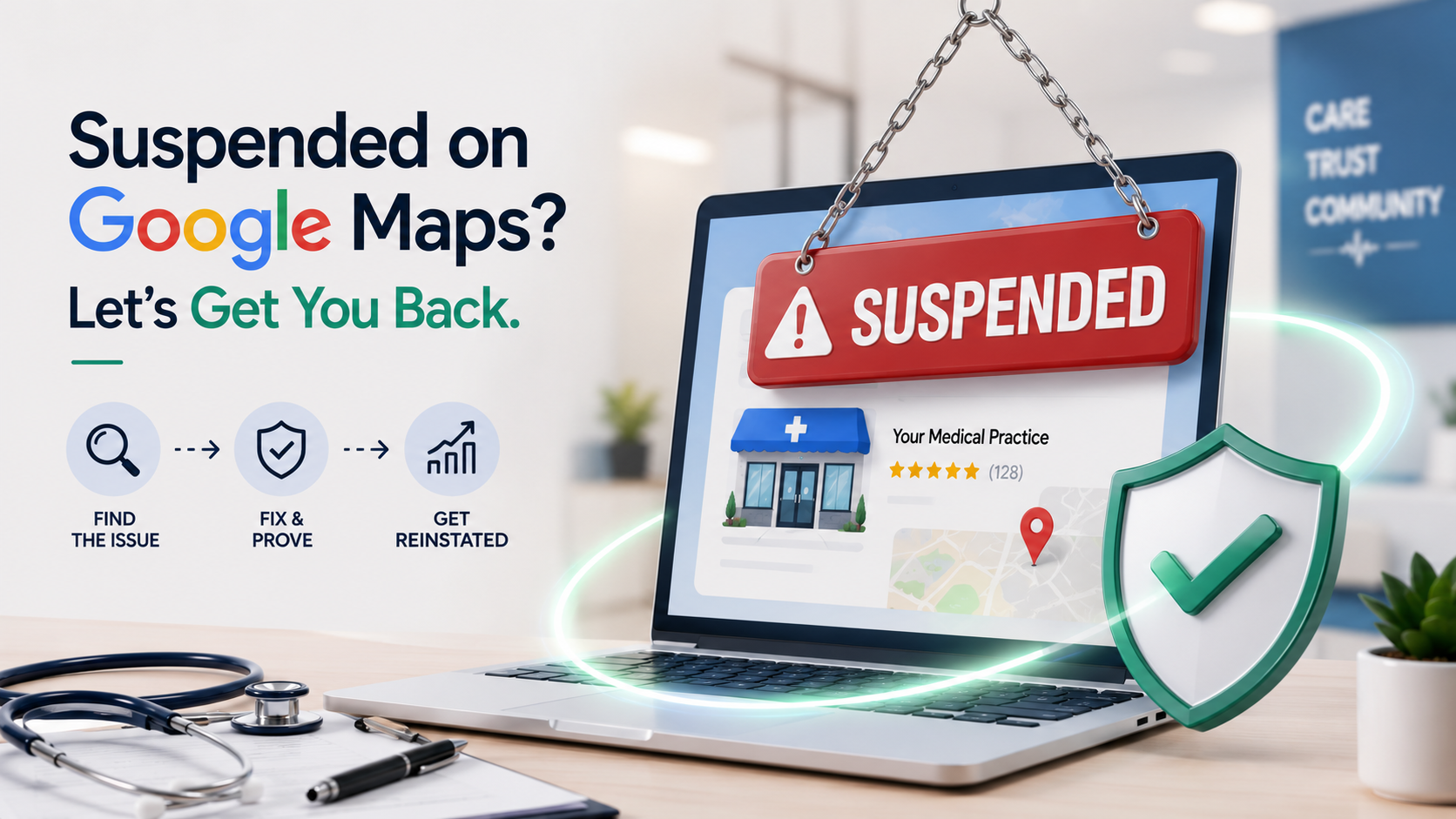
An unverified profile has never successfully completed Google's verification process, or a request was rejected before it finished. A suspended profile was verified and active, then Google removed it later, usually for a suspected policy violation such as keyword stuffing in the business name or a mismatched address. If your profile disappeared after it had already been working normally, with reviews and confirmed hours, you are almost certainly dealing with a suspension, not a verification gap. Reinstating a suspended profile follows its own process and typically requires an appeal, not a new verification attempt.
Confusing the two costs time. Clinics sometimes restart the verification process itself when what they actually need is a suspension appeal, or the reverse. Confirm which situation you are in before submitting anything.
The Fix Process
For a never-verified or rejected profile, the general path looks like this.
- Confirm your business information is accurate and consistent. Your practice name, address, and phone number should match your website and other listings exactly.
- Check which verification methods Google is offering you. Options can include phone, email, video, or postcard by mail, depending on your business category and history, per Google's own Business Profile Help documentation.
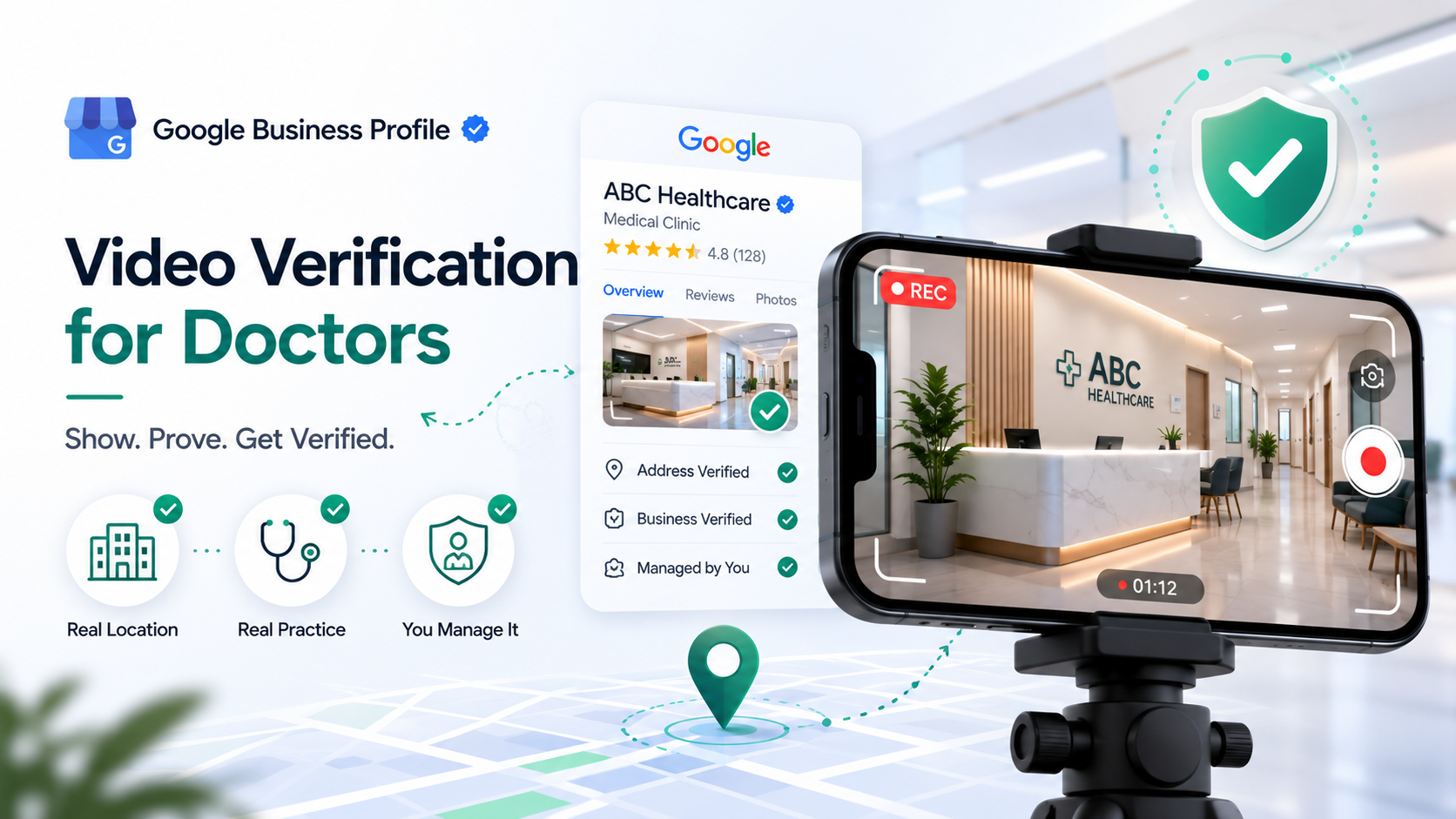
- Complete the verification method Google presents. Video verification has become more common for healthcare listings, since it lets Google confirm the physical location directly.
- If a previous request was rejected, review the stated reason before resubmitting. Resubmitting unchanged information usually produces the same rejection.
- If you cannot get a clear verification option, use Google's support channels for business profiles. Some categories, including medical practices, occasionally need manual review.
How Long It Typically Takes
Verification timelines vary by method and by how Google is currently processing requests in your category. Phone and email verification, when available, tend to resolve fastest, often within a few days. Postcard verification, when offered, typically takes longer because it depends on physical mail delivery. Video verification and manual reviews can take longer still, and healthcare listings sometimes see extended review windows given the sensitivity of the category. [STAT NEEDS SOURCING] for exact current timelines, since Google adjusts these windows and does not publish a fixed guarantee for any method.
The practical takeaway: budget more time than you expect, and avoid submitting duplicate verification requests while one is pending, since that can restart or complicate the review.
What Most People Get Wrong
The most common mistake is treating an unverified profile like a glitch that resolves on its own. It will not. Google will not surface full features or map pack placement for a listing it has not confirmed, no matter how long it sits untouched.
The second mistake is resubmitting the same information after a rejection without changing anything. If Google rejected a request, something in the submission did not meet its standards, and repeating it usually produces the same result.
The third mistake is confusing an unverified profile with a suspended one and applying the wrong fix, which is the single biggest source of wasted effort here.
The fourth mistake is treating verification as a one-time task disconnected from everything else. A verified, accurate profile is part of a clinic's broader visibility, alongside consistent listings and local SEO for doctors work that keeps information matching across the web.
Practical Checklist
- Confirm your profile's current status inside the Google Business Profile dashboard.
- Determine whether you are never-verified, rejected, or suspended before taking action.
- Match your business name, address, and phone number exactly across your website and profile.
- Check which verification method Google is offering for your listing.
- Complete the verification method fully in one session rather than starting and stopping.
- If rejected, read the rejection reason before resubmitting anything.
- Avoid submitting multiple verification requests for the same listing at once.
- Once verified, review your profile regularly to confirm hours, phone number, and services stay accurate.
Conclusion
An unverified Google Business Profile is fixable, but only once you know which of the three situations you are actually in. Never-verified and rejected-verification both need a completed or corrected verification step. A profile that was working and then vanished is a suspension, which is a separate process entirely. Sort out which one applies, follow the verification method Google offers, and avoid the resubmission mistakes that stall clinics the longest.
Ready to see exactly where your profile stands? Confirm your profile's verification status with a free audit from The Doc Mirror, and get a clear view of what patients see when they search for your practice.
By the The Doc Mirror team